
Punch Upon a Time Custom Lobbies: Setup and Settings
Punch Upon a Time custom lobbies are private online rooms where players enter alphanumeric lobby codes to gather up to 12 participants. Hosts configure match time limits, team attack rules, stock counts, and stage rotation pools before starting custom sessions.
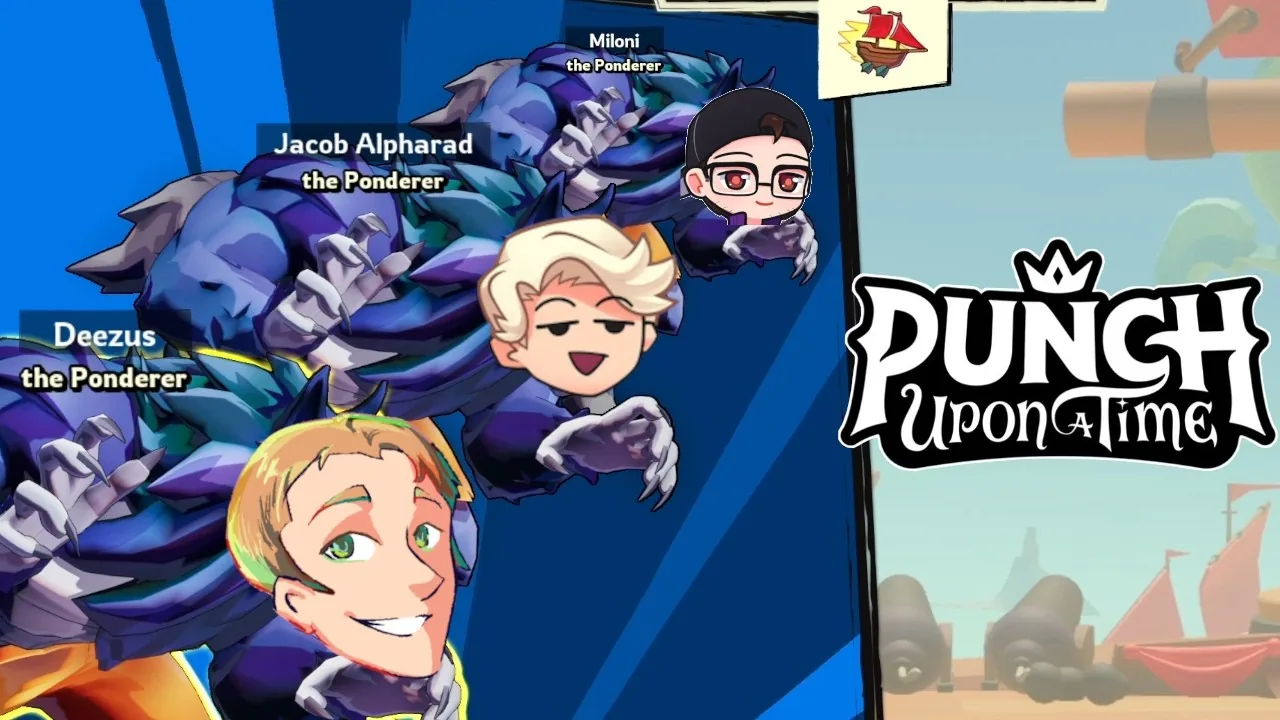
Punch Upon a Time custom lobbies are private online rooms where players enter alphanumeric lobby codes to gather up to 12 participants. Hosts configure match time limits, team attack rules, stock counts, and stage rotation pools before starting custom sessions.
How Do You Join and Create Custom Rooms?
Joining a custom lobby requires opening the custom lobby menu and selecting the Join with Code option. Players receive a specific alphanumeric code from the lobby host, type it into the input field, and confirm entry to join the private session. The system supports up to 12 players per room powered by rollback netcode, as detailed on the Steam store page.
Unlike public matchmaking, private lobbies allow players to organize matches directly with friends. Players select their squad color on the right side of the screen upon entry. The interface provides four squad color assignments: red, blue, green, and purple. Players can also equip cosmetic items like the dingy or chessboard spawn platforms and customize victory animations while waiting for the host to launch the game.
Host Settings and Match Rule Options
Host controls are configuration tools located beside the selected game mode that govern match parameters. The lobby leader holds exclusive access to these toggles before launching any game session. Once a mode is chosen, anyone in the lobby can select the Info button to review the operational rules for that competition.
What Custom Match Rules Can Hosts Adjust?
Adjustable match settings give hosts control over game duration, scoring limits, and friendly fire rules. Clicking the Settings button next to the active mode opens a dedicated configuration window. Hosts modify the following game rules:
- Time Limit: Sets the total round duration for timed competitions.
- Team Attack: Enables or disables friendly fire between squad members.
- Stocks: Establishes the exact life count for combat modes that use stock elimination.
- Max Score: Determines the target score threshold needed to win objective-based games.
These toggles allow groups to run standard competitive brawls or high-score races across specific match formats.
Random Stage Selection and Stage Pools
Stage pool customization allows the lobby host to toggle specific arenas on or off before launching a match. This feature gives tournament organizers and private groups the ability to curate which arenas appear during a session. According to the official Steam announcement, the stage management system works directly through the room menu:
"As lobby host, click the "Customize" button to open a stage list where you can toggle selections on and off as you'd like." — the developer's Steam announcement
The available stage roster includes environments such as Hooded Treetops, Treefort Field, Lilypad Lake, Locomotive, Big Boot, King's Court, Pearl Paradise, and Dragon Canyon. Hosts can toggle hazards and uneven layouts off when configuring strictly neutral combat environments.
Which Lobby Configuration Suits Your Group?
Lobby settings depend on player count, desired match pacing, and competitive rules. The game includes over 40 distinct modes, ranging from direct platform fighter combat to sports and mini-games.
| Mode Option | Best Suited For | Required Setup and Rules |
|---|---|---|
| Squad Saga | Four squads competing across randomized mini-game rounds | Requires up to 12 players divided into four teams with pocket items |
| Direct 1v1 Showdown | Two players focusing on pure platform fighting mechanics | Requires setting stock limits and disabling team attack |
| Team Mini-Game Matches | Groups playing targeted objective modes like soccer or cart pushing | Requires adjusting time limits and scoring caps per selected game |
Groups running squad saga competitions battle across airships, where each squad's sky galleon takes hull damage whenever a team loses a round. Competitors can also test move interactions in training mode to evaluate character mechanics before entering a formal lobby bracket.
Team Selection and Player Management
Team slots are color-coded positions on the lobby screen where players assign themselves to red, blue, green, or purple squads. Room participants choose their team color manually, allowing three-player rosters to coordinate their squad compositions before the host starts the set.
Players choose fighters from the 12 fairy tale characters in the roster, including heavy hitters like the werewolf. The game provides built-in voice chat with custom volume sliders and an audio toggle in the settings menu, allowing players to coordinate strategy directly within custom rooms. When rounds conclude, players who finish early automatically enter spectator mode to watch active matches across the remaining lobby participants.
Next step
Local Multiplayer
Review the local multiplayer roadmap details and current online multiplayer options available in Punch Upon a Time.
Related Guides
Punch Upon a Time Local Multiplayer Modes and Roadmap; Punch Upon a Time How to Play: Basic Controls and Rules