
Punch Upon a Time Items: Pocket Gear and Weapon Guide
Punch Upon a Time items are usable combat tools and single-round Pocket Items that pilots equip on their sky galleon to attack foes or survive mini-games. Players activate stored pocket gear using directional inputs or retrieve interactive weapons scattered across competitive arenas.
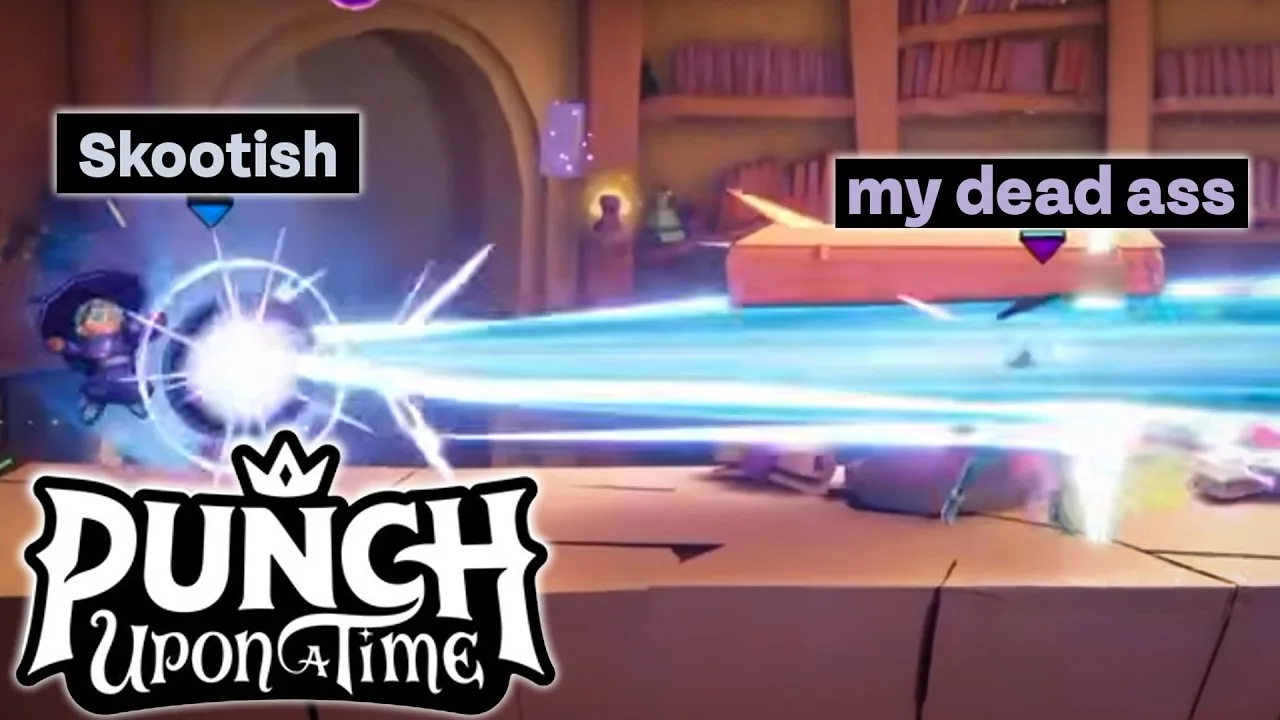
Punch Upon a Time items are usable combat tools and single-round Pocket Items that pilots equip on their sky galleon to attack foes or survive mini-games. Players activate stored pocket gear using directional inputs or retrieve interactive weapons scattered across competitive arenas.
What Are Pocket Items in Punch Upon a Time?
Pocket Items are consumable tools selected aboard your team airship before entering a match. As detailed on the Steam store page, developer Supersaurus built the combat system around more than 40 items designed to disrupt opposing squads. In the primary squad saga mode, your team gathers on a floating sky galleon between rounds. The deck populates with freshly spawned items after every event, allowing pilots to claim gear tailored to upcoming contests.
According to the official Steam Maiden Voyage announcement, the utility system received a major structural overhaul during development:
"Powerups have been reworked into Pocket Items: Pocket Items are single use, and last one round only." — the official Steam Maiden Voyage announcement
Item generation aboard the sky galleon directly reflects your team status. The rarity and strength of Pocket Items offered between stages scale in relation to your airship's remaining health points. Squads with heavily damaged hulls receive access to stronger defensive tools and aggressive items, providing a built-in comeback mechanic before entering critical elimination stages.
How Do You Equip and Activate Pocket Items?
Item activation is an input command performed during a match or round start stasis. Players learning how to play can manage items through standard controller layouts and directional pad commands:
- Step onto your sky galleon's item spawn pads between rounds to assign a Pocket Item to your character.
- Wait for the round start stasis window during sports modes or multi-team faceoffs, which permits pulling out gear before movement barriers drop.
- Press Up on the D-Pad during a match to pull the stored Pocket Item out of your pocket and place it in your hands.
- Press the primary attack button (X on Xbox layouts) or the heavy attack button (B) to strike or trigger the tool, or tap the right bumper to throw it across the stage.
Confirmed Pocket Items and Arena Weapons
Combat pickups in the game fall into two categories: pre-selected pocket tools brought from the sky galleon and physical weapons that spawn directly onto stage terrain. Official update logs and public playtests outline several distinct items:
- Humble Brick: A basic projectile thrown in an arc to inflict immediate hitstun on approaching opponents.
- Witch Broom: A high-mobility vehicle that lets characters fly through the air and crash directly into enemy formations.
- Shrink Potion: A splash debuff that shrinks hit opponents, drastically lowering their attack reach and jumping power.
- Showstopper: A pocket utility that freezes an opponent in place, allowing teammates to build damage and knockback before release.
- Buzzsaw: A grounded hazard that travels along stage floors to carve through enemy spacing.
- Halo Hat: A protective item that functions as a guardian angel, reviving a player upon receiving lethal blast-zone knockback.
- Ranged Firearms: Blunderbusses, sniper rifles, and automatic weapons that discharge direct horizontal projectiles across long stages.
- Bear Trap: A deployable stationary trap placed on platforms to hold enemies in place for follow-up attacks.
- Holy Hand Grenade: A heavy explosive thrown into clusters of opponents to force knockback.
Which Items Fit Different Round Objectives?
Item selection is a tactical decision based on whether your squad faces arena combat, sports scoring, or obstacle trials. In objective games like basketball or survival rounds like red light green light, carrying the wrong utility leaves your character at a severe disadvantage.
| Item Choice | Best Match Condition | Tactical Trade-Off |
|---|---|---|
| Witch Broom | Chasing floating objectives or recovering across large arena gaps | Leaves user vulnerable to disjointed anti-air hits mid-flight |
| Showstopper | Isolating dangerous duelists in a 1v1 showdown | Requires close proximity to trigger before the target dodges |
| Halo Hat | High-risk platforming and instant-death elimination mini-games | Provides zero offensive pressure or scoring utility |
| Bear Trap | Defending delivery routes, goals, and flag capture pads | Opponents can jump over the trap if it is placed in plain view |
Managing Squad Stashes and Team Coordination
Team loadouts depend on shared resource planning aboard the galleon. As documented in the Punch Upon a Time Wiki FAQ, pilots in a three-player squad select two Pocket Items between rounds. Using one active item drops the unused backup into a shared squad stash on the ship. When an ally respawns or prepares for the next trial, they can retrieve high-value utility gear such as the Freeze Wand, Big Top Hat, Medkit, or Anchor Drop directly from that reserve pool.
Coordinating active inventory slots prevents wasted gear during team-splitting rounds. When Squad Saga divides your three-player team into simultaneous separate trials, assign offensive tools to players entering solo duel arenas while reserving movement items for teammates tasked with running objectives. Checking teammates' selections before locking in platforms keeps your squad prepared for sudden stage rules.
Next step
Training Mode
Configure bot behaviors, select practice stages, and refine character normals and movement tech in the dedicated training arena.
Related Guides
Punch Upon a Time Training Mode: Setup and Practice Guide; Punch Upon a Time Black Knight Moveset and Guide